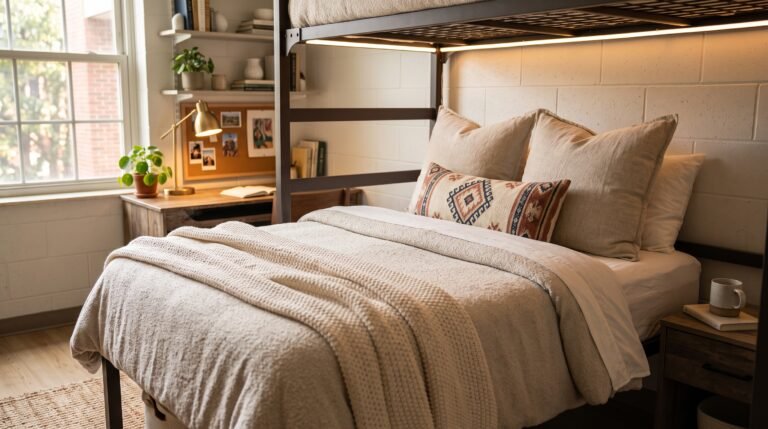

18 Dorm Desk Ideas to Create the Perfect Study Workspace
Your dorm desk is either working for you or working against you. Most students get assigned a standard-issue desk that technically holds a laptop and a water bottle and does absolutely nothing else well. I spent my first semester at university staring at a scratched wooden surface under fluorescent lighting wondering why I couldn’t focus for more than 20 minutes at a stretch. Then I spent $85 transforming that same desk into a setup I genuinely wanted to sit at, and my study sessions doubled in length within the first week. These 18 dorm desk ideas give you the specific upgrades that turn a mediocre desk into the workspace that actually helps you study.
1. Start With a Desk Organizer That Fits Your Actual Workflow
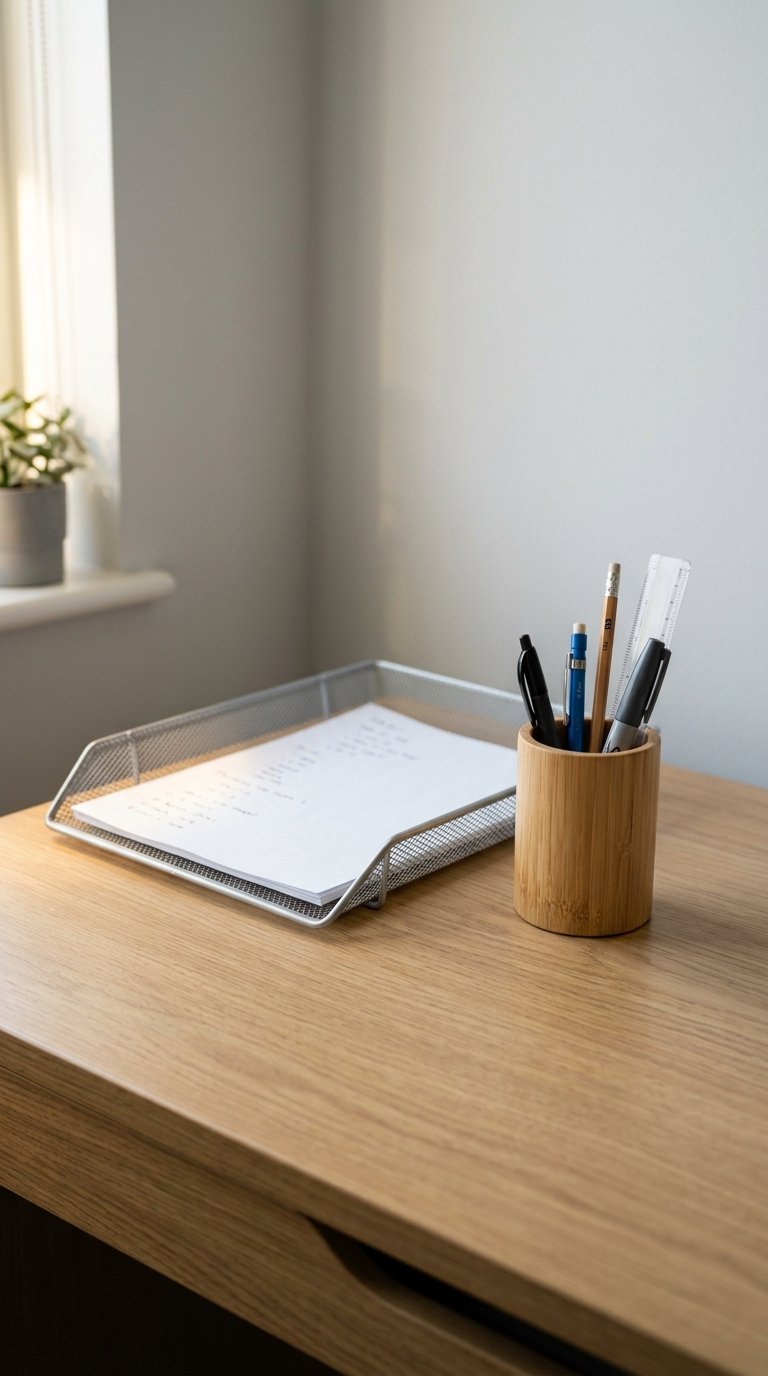
A desk organizer earns its place only when it holds the specific items you reach for most during a study session, not everything you own arranged into a decorative display. The problem with most desk organization advice is that it optimizes for aesthetics rather than function. Your pen holder should hold the three pens you actually use, not 15 pens of which 12 are dry. Your paper tray should hold your current assignment, not every piece of paper you’ve touched this semester.
Best Desk Organizer Formats for Dorm Desks
- Single compartment pencil cup: holds 5 to 8 writing tools, no wasted space
- Tiered paper tray: one slot for incoming, one for current, nothing else
- Bamboo desktop organizer: multiple sections, natural material, $15 to $30
- Floating wall-mounted organizer: zero desk footprint, keeps surface clear
- Rotating carousel organizer: 360-degree access, works in tight desk corners
A two-piece system works best for most dorm desks: one pencil cup and one paper tray. Everything else comes out. The empty desk surface around these two pieces is not wasted space. It’s your working area, and you need it clear.
2. Add a Quality Desk Lamp With Warm Light
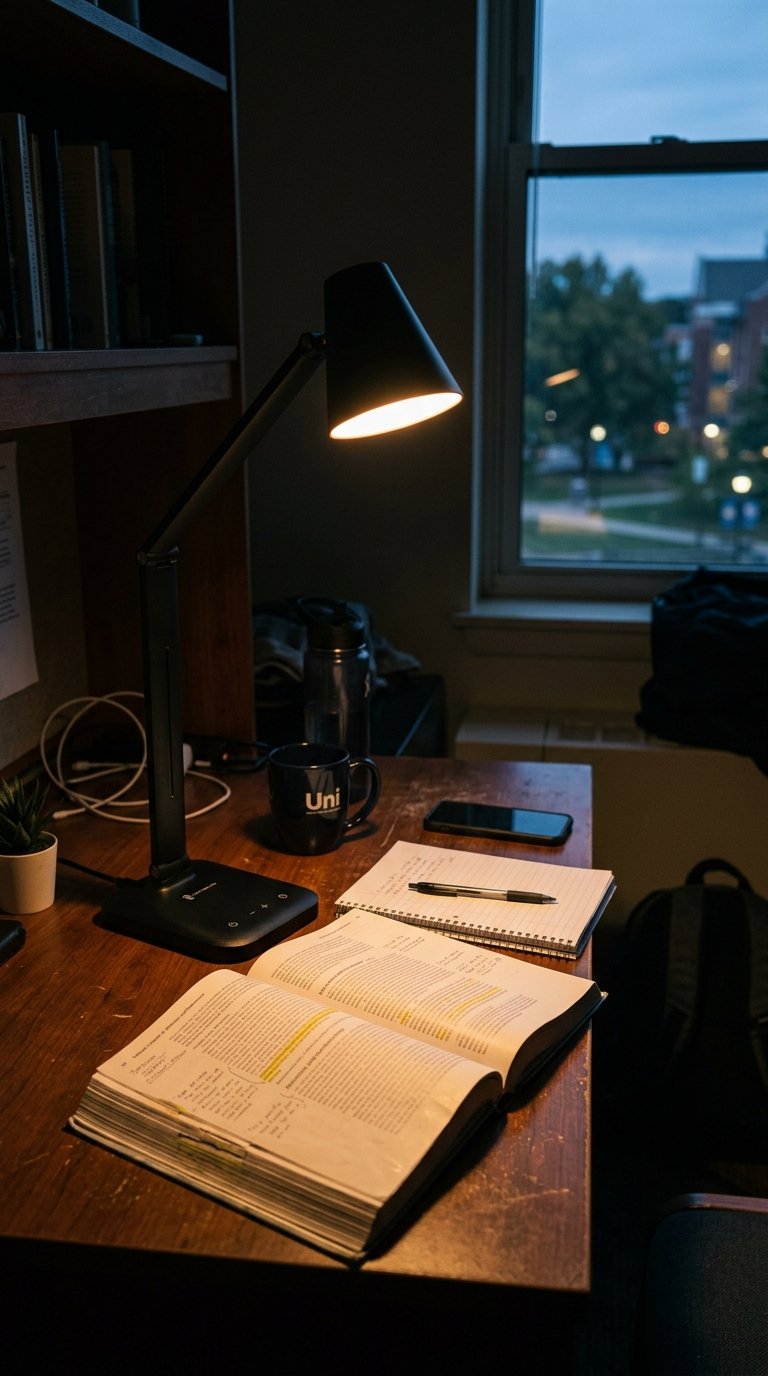
The lighting above your dorm desk determines how long you study and how much you retain, which sounds dramatic until you understand that the standard dorm ceiling fixture produces cool, flat illumination that increases eye strain and reduces concentration after 30 to 45 minutes. A dedicated desk lamp with a warm white bulb at 3000K to 4000K provides focused task lighting at the correct height and angle for reading and writing without the eye fatigue overhead fluorescents create.
The BenQ e-Reading LED desk lamp costs $60 to $80 and produces glare-free illumination specifically designed for screen-adjacent reading. The TaoTronics LED lamp at $25 to $35 delivers the same adjustable color temperature at a more accessible price. Either option produces dramatically better study conditions than the overhead light alone and pays back in better focus within the first exam week.
3. Use a Laptop Stand to Improve Your Posture
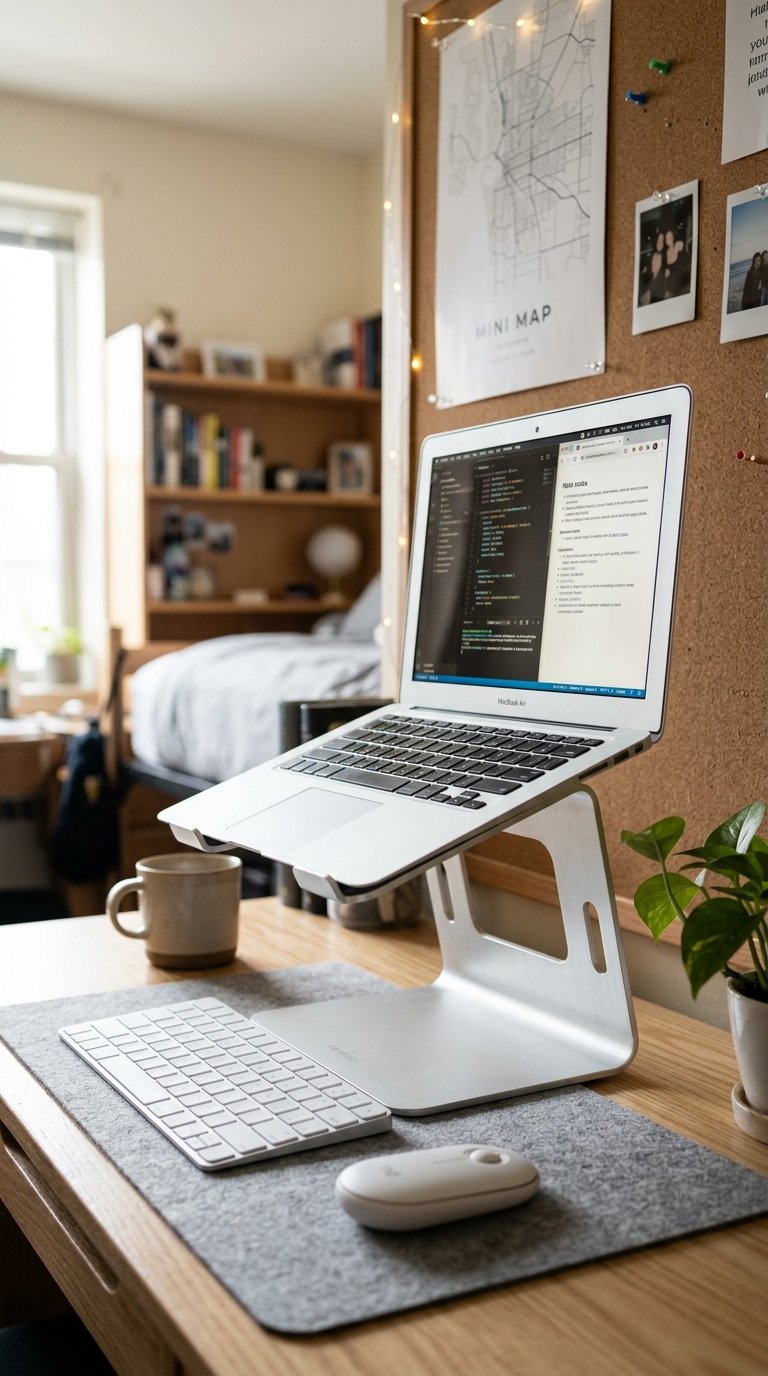
A laptop on a flat desk surface positions the screen 8 to 12 inches below comfortable eye level, which forces your head to tilt forward by 15 to 45 degrees. The American Chiropractic Association estimates that every inch of forward head tilt adds 10 pounds of effective weight on the cervical spine. After three hours of studying at a flat laptop, your neck carries the equivalent of a 30 to 45-pound load. That’s the reason you get up from a long study session feeling like you’ve aged 10 years.
An adjustable laptop stand raises your screen to eye level for $15 to $30 from Amazon. The NEXSTAND folding laptop stand costs $25 and folds flat for transport between dorm and class. Pair the stand with an external keyboard and mouse at $25 to $40 combined and your desk setup matches the ergonomic quality of most professional office configurations for under $70 total.
4. Set Up a Cable Management System
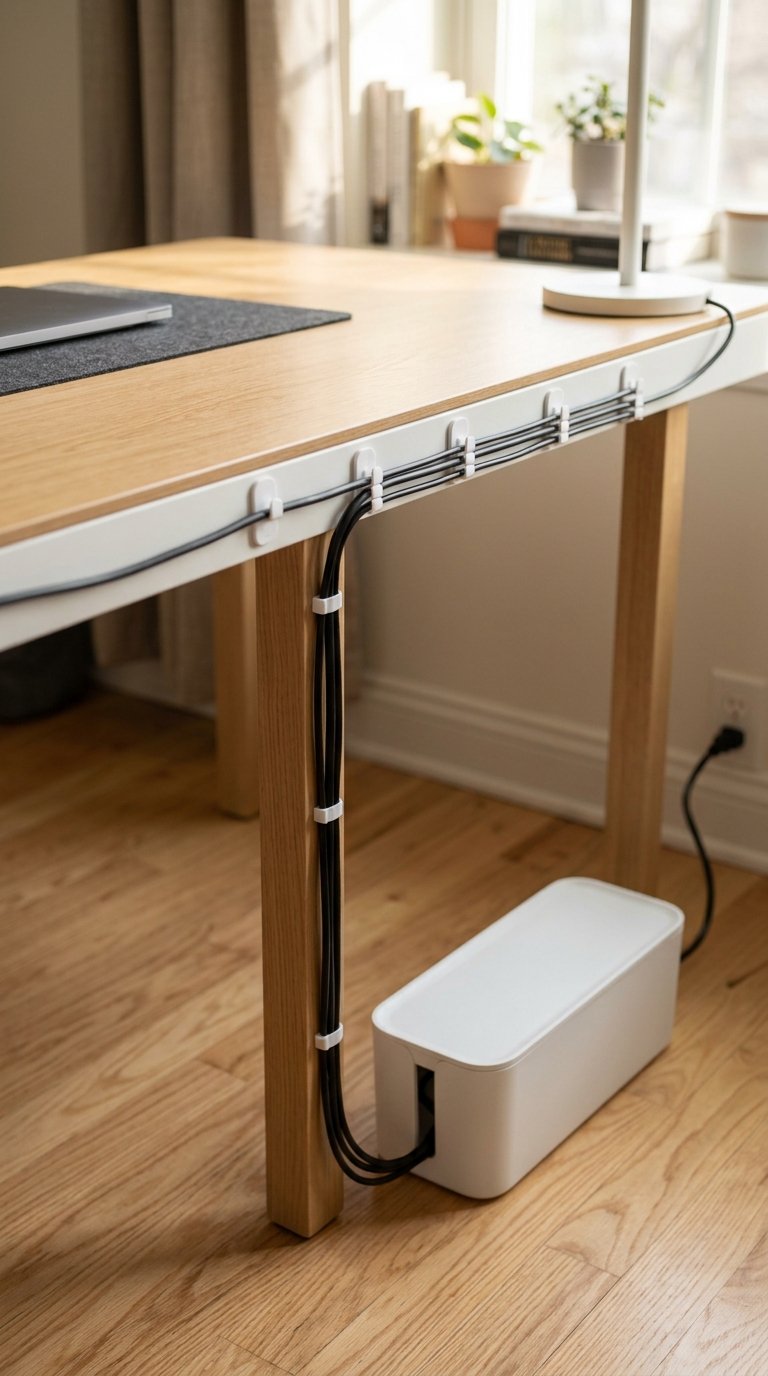
Loose cables on a dorm desk actively reduce your ability to focus because visual clutter in your immediate field of view competes for the neural attention resources you need for studying. Princeton Neuroscience Institute research confirms that visual clutter reduces cognitive performance and increases perceived stress. Three phone charger cables, a laptop charger, and a pair of headphones lying loose across your desk surface creates exactly the kind of low-level visual chaos that makes sitting down to study feel harder than it needs to.
Cable clips with adhesive backs cost $5 to $10 for a pack of 20 and route every cable along the desk edge and down the leg out of sight. A cable management box at $15 to $25 hides a power strip and all charger bricks in a single contained unit under the desk. The 20 minutes you spend managing your cables on the first weekend of semester saves you the cognitive drag of a chaotic desk surface for the entire academic year. IMO, cable management is the most overlooked dorm desk upgrade available.
5. Add a Monitor or Second Screen

A second screen increases productivity by 20 to 30 percent for tasks involving reference materials, according to research from the University of Utah, because it eliminates the constant window-switching that breaks concentration and extends task completion time. For a student writing an essay with sources, a second screen holds the research while the primary screen holds the document. The context-switching that one-screen working requires consumes mental energy that two-screen working redirects entirely into the actual task.
A 21 to 24-inch monitor for a dorm desk costs $80 to $150 from brands like Acer and HP. The monitor sits on a monitor riser (which adds a storage shelf underneath at $15 to $30) and connects to most laptops via HDMI or USB-C. Combined with the laptop on a stand beside it, this creates a proper dual-screen setup on a dorm desk for under $200 total. Check your dorm’s electrical policy before adding high-draw electronics.
6. Use a Desk Pad to Define Your Working Surface
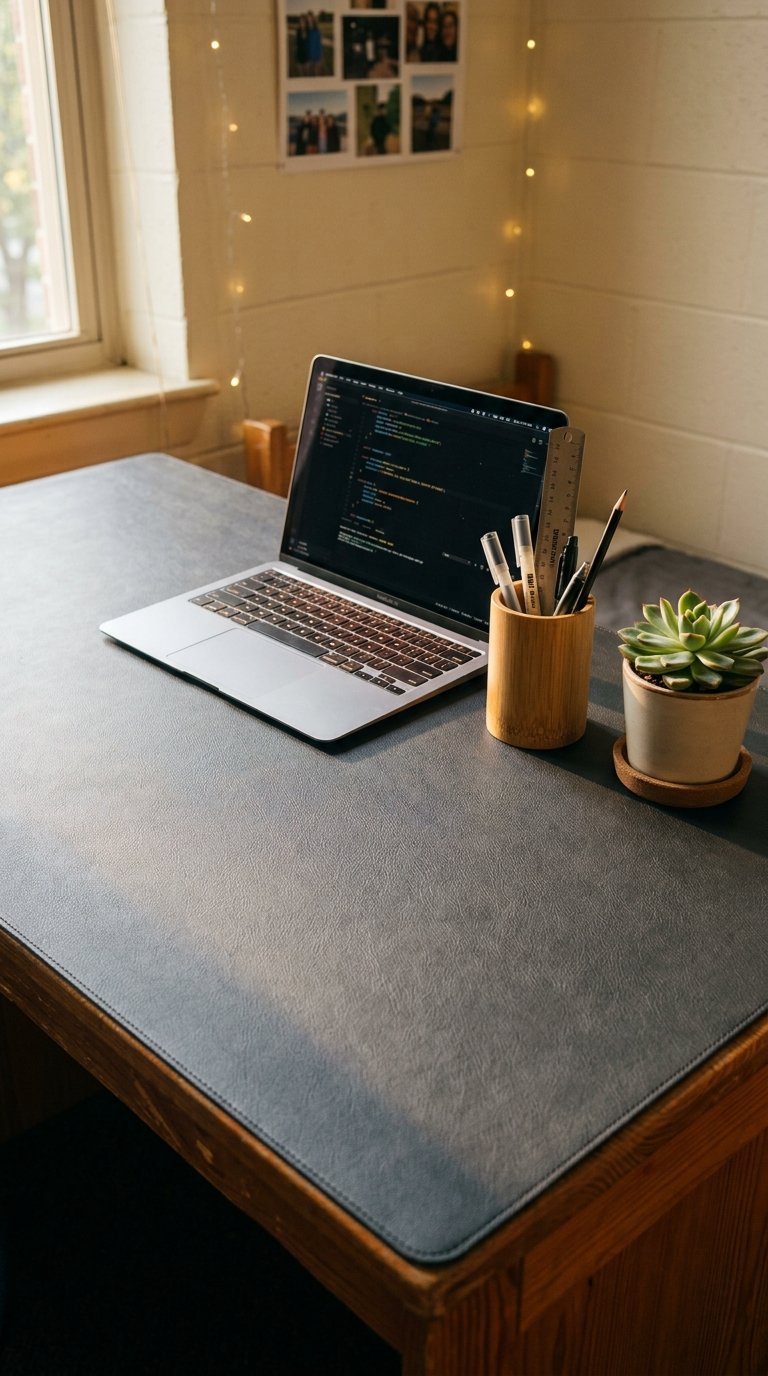
A large desk pad running the full width of your desk defines the workspace boundary and protects the desk surface from scratches, marks, and the slow damage that pens, coffee mugs, and laptop corners inflict on a wooden surface over four years. The pad also provides a consistent, comfortable writing surface that the scratched institutional desk surface never matches. An extended desk pad in leather, cork, or felt costs $15 to $40 and transforms how the desk reads visually by giving it a unified, intentional surface rather than a collection of random objects on bare wood.
Choose a desk pad at least 31 inches wide and 15 inches deep to cover the primary working area of a standard dorm desk. Leather-look PU desk pads from Amazon start at $15 and wear well over multiple semesters. Cork desk pads at $25 to $35 add the bonus of a surface that accepts push pins for notes and small items. Either option makes the desk feel significantly more like a real workspace from the first hour you sit at it.
7. Install a Small Whiteboard or Cork Board Above the Desk
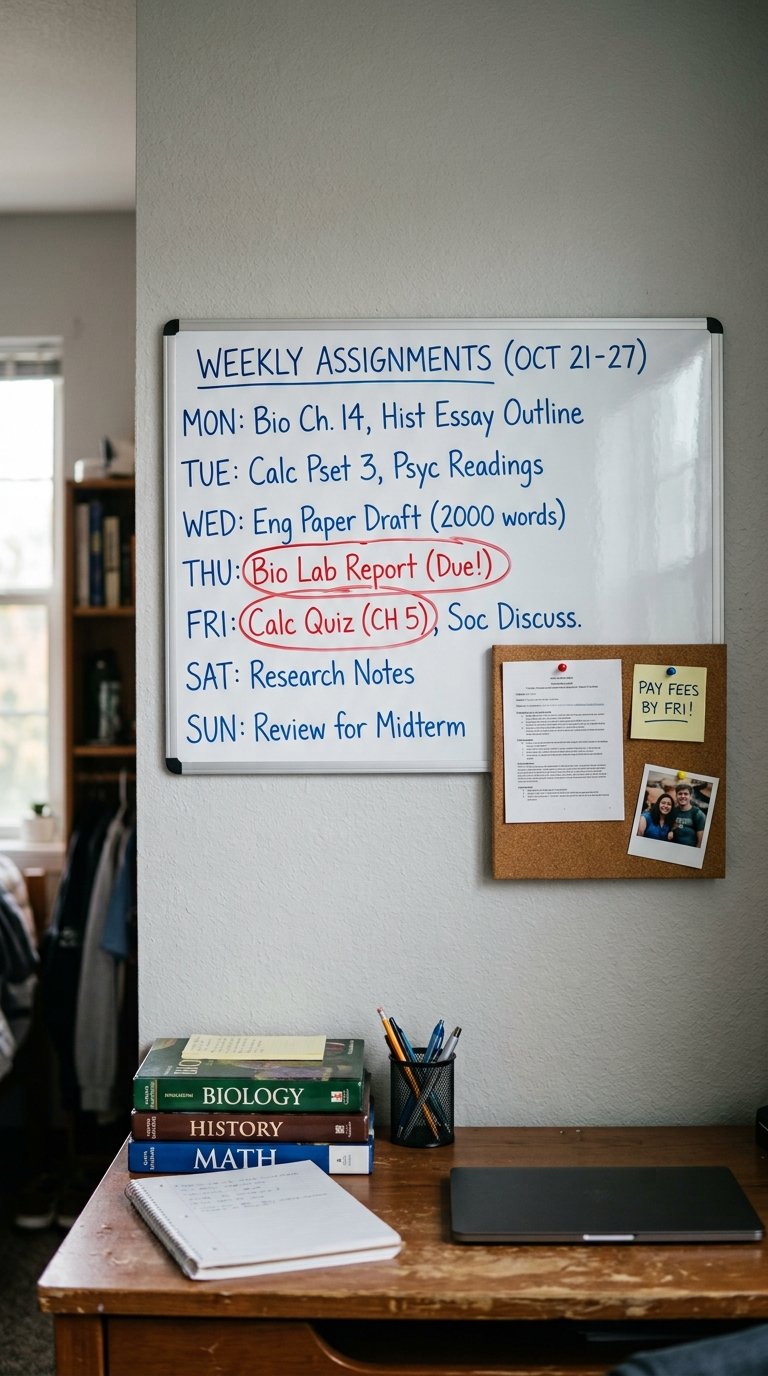
A vertical surface above the desk for notes, reminders, and quick references reduces desktop clutter by moving temporary information off the horizontal surface where it competes with your working space and onto a dedicated vertical zone where it serves its purpose without interfering with the desk surface below. A small whiteboard or corkboard mounted above the desk handles assignment deadlines, exam dates, to-do lists, and motivational quotes in a format you see every time you sit down.
A 12×16 inch whiteboard from Amazon costs $8 to $15 and mounts with two screws or adhesive strips on most dorm walls. Check your dorm’s wall policy before screwing anything in. A cork tile board from IKEA at $5 to $10 works on adhesive strips for renter-friendly installation. The combination of the whiteboard for weekly tasks and the cork board for pinned notes and cards gives you a complete vertical reference system above the desk for under $25.
8. Add a Plant to the Desk Corner
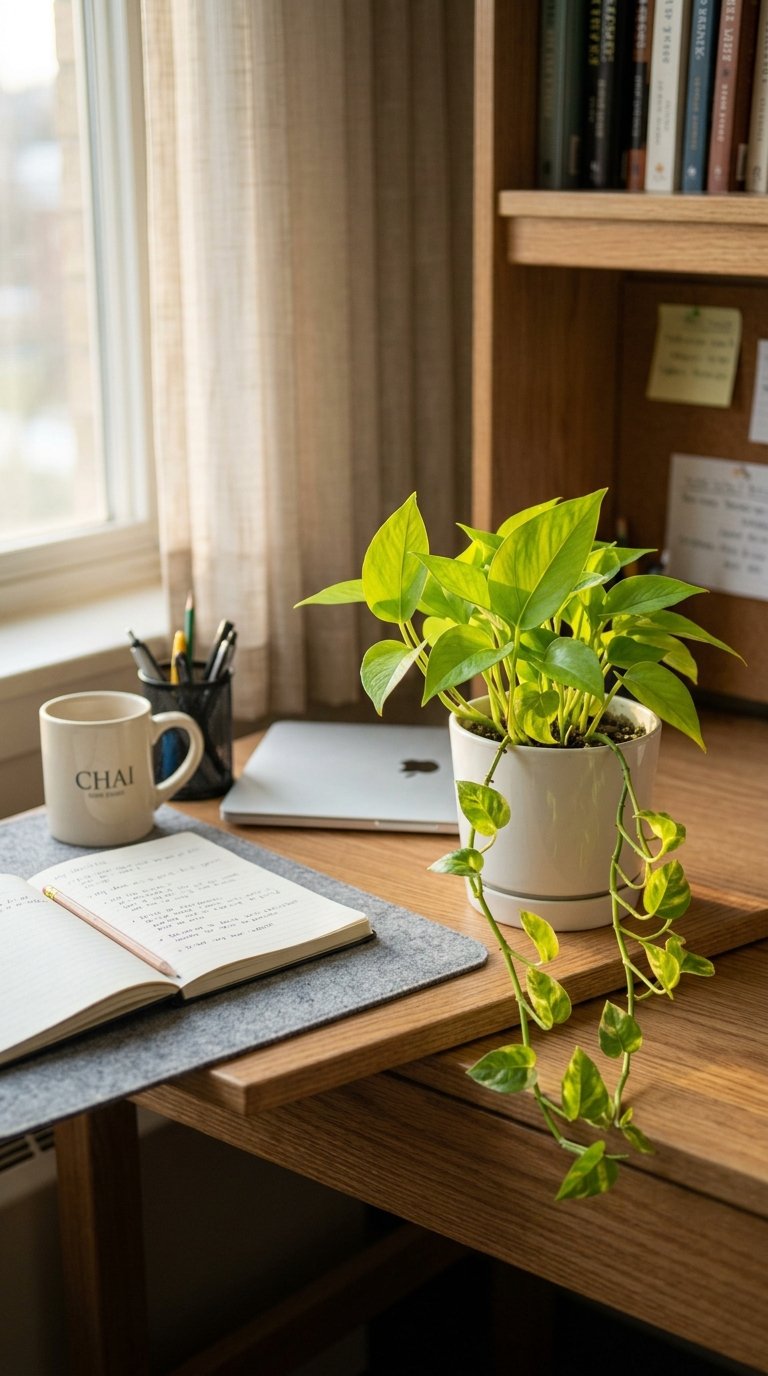
A small plant on the dorm desk corner adds the organic life element that institutional study environments specifically lack, and the presence of living plants in study environments measurably improves concentration and mood. A 2014 study from the University of Exeter found that employees in offices with plants reported 15 percent higher productivity scores and significantly higher wellbeing ratings than those in plant-free environments. The same principle applies to dorm study spaces.
Best Plants for Dorm Desks
- Pothos: trails from any surface, tolerates low light and irregular watering
- Snake plant: architectural, extremely low maintenance, air-purifying
- Succulents: drought-tolerant, compact, thrive in bright window light
- ZZ plant: handles dim dorm lighting better than most houseplants
- Air plant (Tillandsia): no soil, no pot needed, mist weekly, zero mess
A 4-inch pothos from a local nursery costs $3 to $8 and lives on a dorm desk for the entire academic year with minimal care. Position it in the corner where it uses dead space without consuming working surface area.
9. Invest in a Comfortable Desk Chair
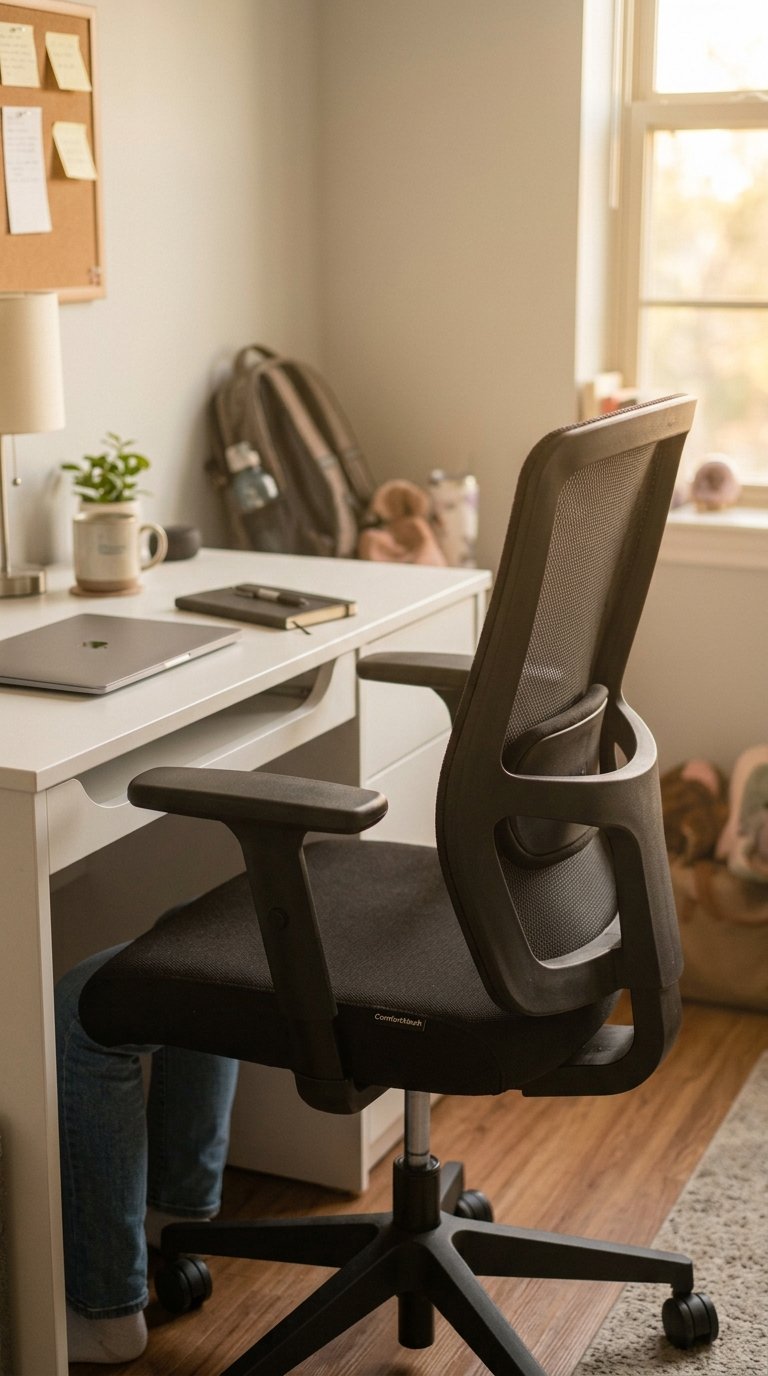
The chair you study in determines how long you stay at your desk, and a standard dorm desk chair typically provides between 20 and 45 minutes of comfort before lower back discomfort starts redirecting your attention from your work to your physical state. The Flexispot Ergonomic Chair costs $80 to $130 and provides lumbar support, adjustable seat height, and armrests that make 3-hour study sessions physically sustainable. The Sihoo Ergonomic Office Chair at $100 to $150 delivers the same features at a slightly higher quality level.
If your dorm room lacks space for a full ergonomic chair, a lumbar support cushion from Amazon at $25 to $40 fits any existing chair and provides the lower back support that standard dorm chairs omit. A seat cushion in memory foam at $20 to $35 addresses the seat depth problem that flat institutional chair seats create after 45 minutes. Both accessories extend comfortable desk time significantly for under $75 combined.
10. Use a Pegboard for Vertical Storage
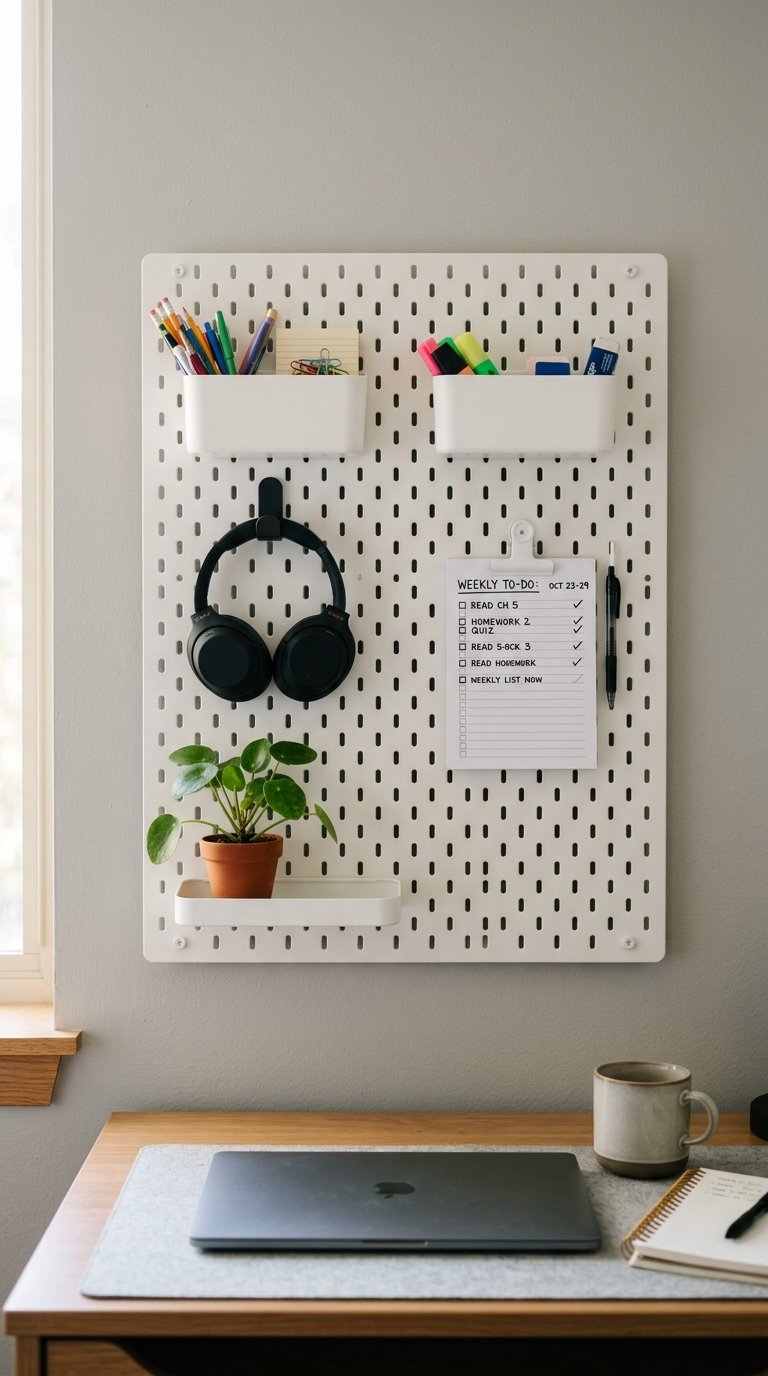
A pegboard above or beside the dorm desk converts blank wall space into a fully customizable vertical storage system that holds everything from headphones to calendars to small supply bins without consuming a single inch of desk surface. IKEA’s SKADIS pegboard system costs $15 to $25 for the board and $2 to $10 per accessory, creating a modular vertical organization system that adapts to any desk setup and any personal storage need throughout the semester.
The pegboard works particularly well in small dorm rooms where the desk sits against a wall with usable space above it. Mount the board to the wall using the manufacturer’s mounting hardware or adhesive strips depending on your room’s wall policy. A 22×22 inch SKADIS board with six accessories handles a complete desk organization system for under $50 and repositions in 10 minutes when your needs change.
11. Style the Desk With Personal Items That Motivate You

A dorm desk that holds only functional study equipment reads as a work environment you endure rather than a space you choose, and the distinction between those two experiences determines how consistently you sit down and start working. One framed photograph, a small piece of art or print, or a meaningful object on the desk corner adds personal identity to the workspace and creates a subtle positive association that makes returning to the desk easier when motivation is low (which is most of Tuesday afternoons in November).
Keep the personal items to two or three maximum. A photograph, one motivational print, and one meaningful object. More than three personal items shifts the desk from a personalized workspace to a display surface, which competes with the functional area you need for actual studying. The balance is: enough personality to make the space feel yours, not so much that it reads as a memory table 🙂
12. Add Under-Desk Storage to Expand Your Space
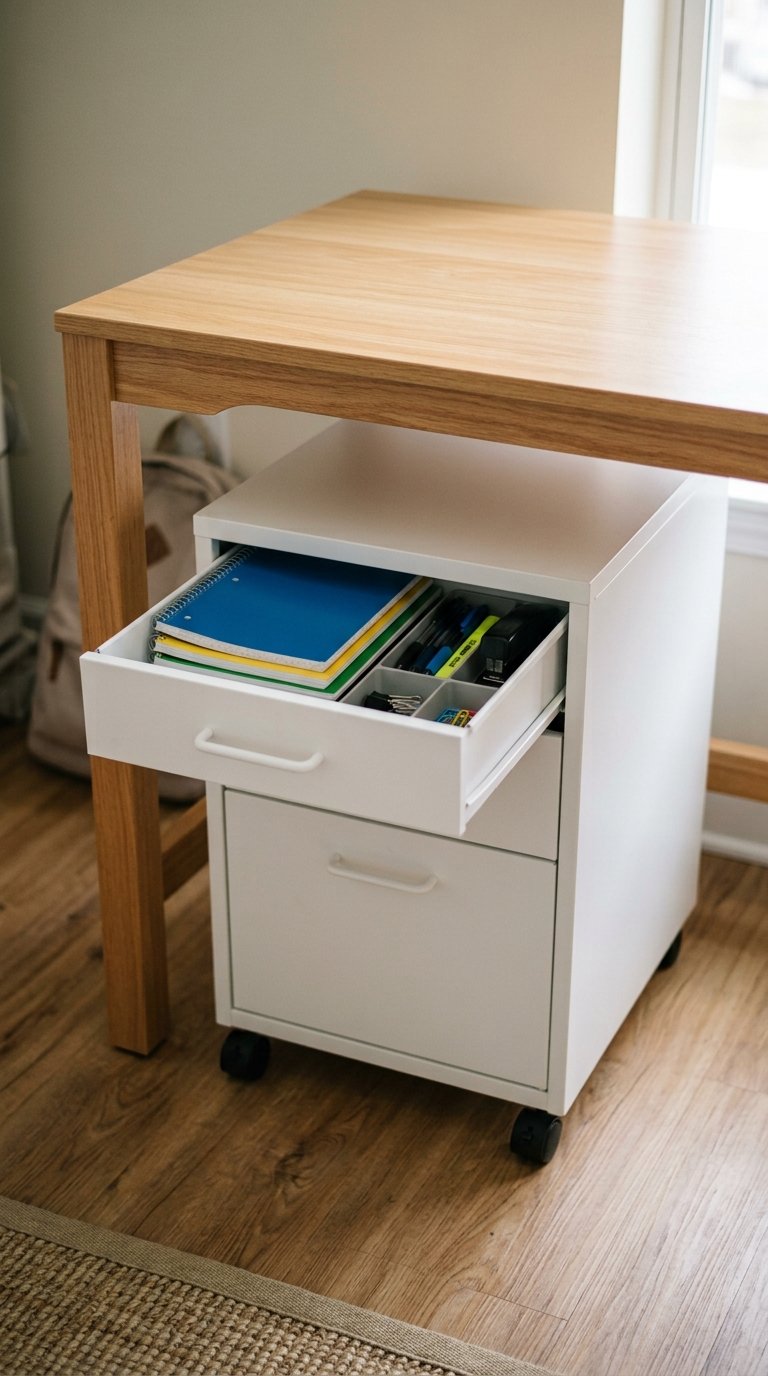
The space under your dorm desk holds significant untapped storage capacity that most students leave empty while their desk surface overflows. A rolling cart ($25 to $60), a two-drawer filing cabinet ($40 to $80), or a set of stacking drawers ($20 to $40) under the desk provides substantial storage for textbooks, notebooks, supplies, and snacks without touching the desk surface or consuming floor space beyond the desk footprint.
The IKEA ALEX drawer unit (4 drawers, $80 to $120) fits under most standard desks and provides enough organized storage for an entire semester’s worth of supplies. The Iris Ohyama stacking drawer unit at $25 to $45 handles the same storage needs at a lower price point. Either option moves everything from the desk surface into organized, contained storage and restores the working surface you need for actual studying.
13. Create a Study Zone With Acoustic Privacy

Open-plan dorm rooms and shared living situations produce the ambient noise that reduces reading comprehension and increases task completion time for most study activities. A pair of noise-canceling headphones handles the sound problem completely, but they don’t address the visual distraction of movement in your peripheral vision that dorm common areas and shared bedrooms produce. A small desk screen or privacy panel at $20 to $40 creates a physical boundary between your desk and the surrounding room that reduces peripheral distraction without isolating you from your roommate.
Sony WH-1000XM5 noise-canceling headphones cost $280 to $350 and deliver the best active noise cancellation available in consumer headphones. The Anker Soundcore Q45 at $50 to $70 produces adequate noise cancellation for most study environments at a more accessible price point. FYI, noise cancellation headphones pay for themselves in the first week of finals preparation when dorm floor noise peaks and every hour of focused study counts more than any other time in the semester.
14. Set Up a Charging Station to Reduce Desk Clutter
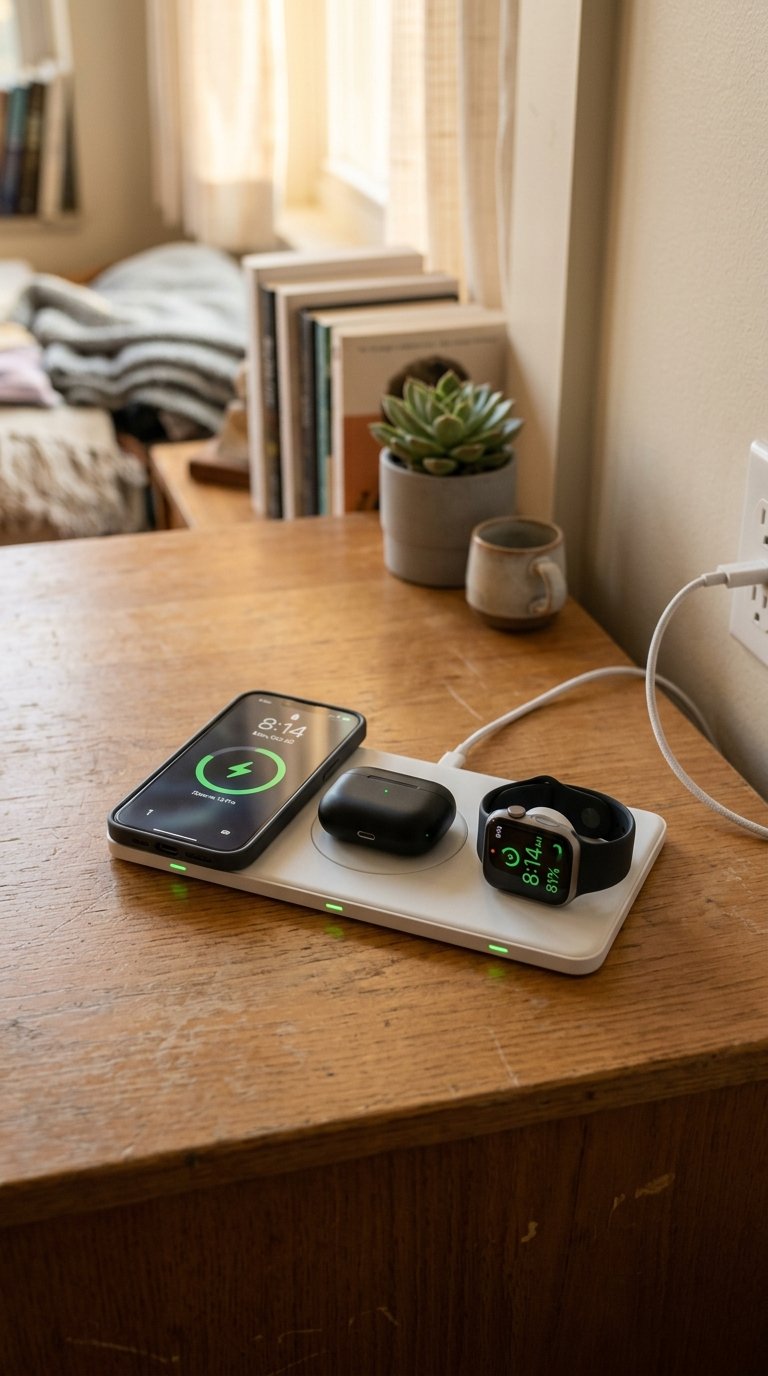
A dedicated charging station consolidates all device charging into one contained area rather than leaving chargers and cables scattered across the full desk surface. A three-device charging hub at $20 to $40 handles a phone, wireless earbuds, and a smartwatch simultaneously from one cable and one power brick. The charging station occupies a 6×6 inch footprint in the corner of the desk and keeps every device charged without producing the cable tangle that individual chargers scattered across the surface create.
Anker’s 3-in-1 charging station at $25 to $45 handles Apple devices specifically. The Nomad Base Station at $80 to $100 handles mixed device environments including Android phones and various earbuds. Position the charging station in the desk corner you don’t use for writing so it functions as a convenient charging zone without occupying the primary working surface.
15. Use Wall Space for a Weekly Planner or Calendar
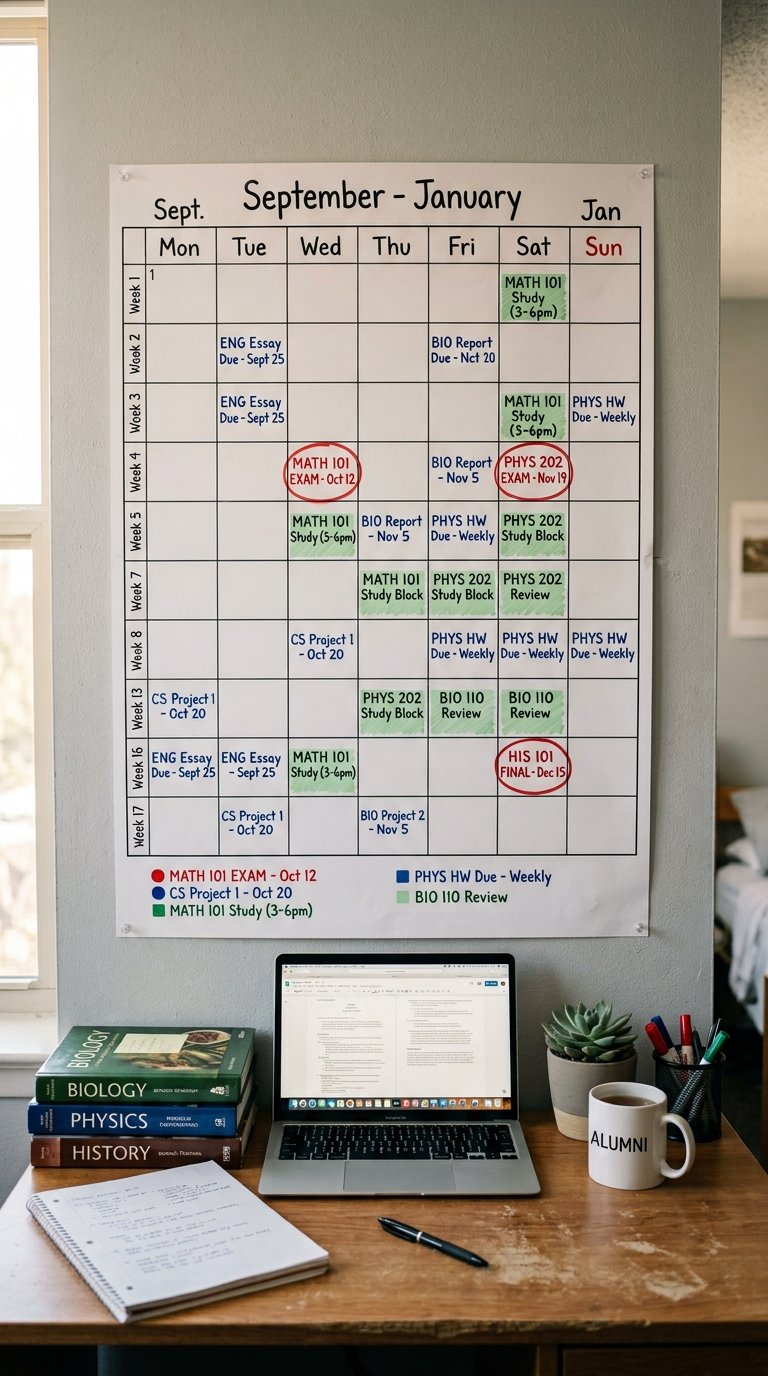
A large weekly planner or academic calendar mounted directly above the desk at eye level gives you constant visual awareness of upcoming deadlines, exam dates, and assignment submissions that a phone calendar in your pocket never provides at the same ambient awareness level. The physical presence of a paper calendar at eye height means you see your deadlines every time you sit at the desk, which prevents the specific kind of deadline shock that happens when you open an app two days before a major assignment is due.
A large academic wall planner at $8 to $15 from Amazon or a student-specific weekly planner poster at $10 to $20 covers a full semester on one sheet at a glance. Color-code exam dates in red, assignment deadlines in blue, and study blocks in green with a set of fine-point markers at $5 to $10. The color-coding system makes the week’s priority structure visible without reading every item individually.
16. Add a Monitor Riser With Built-In Storage
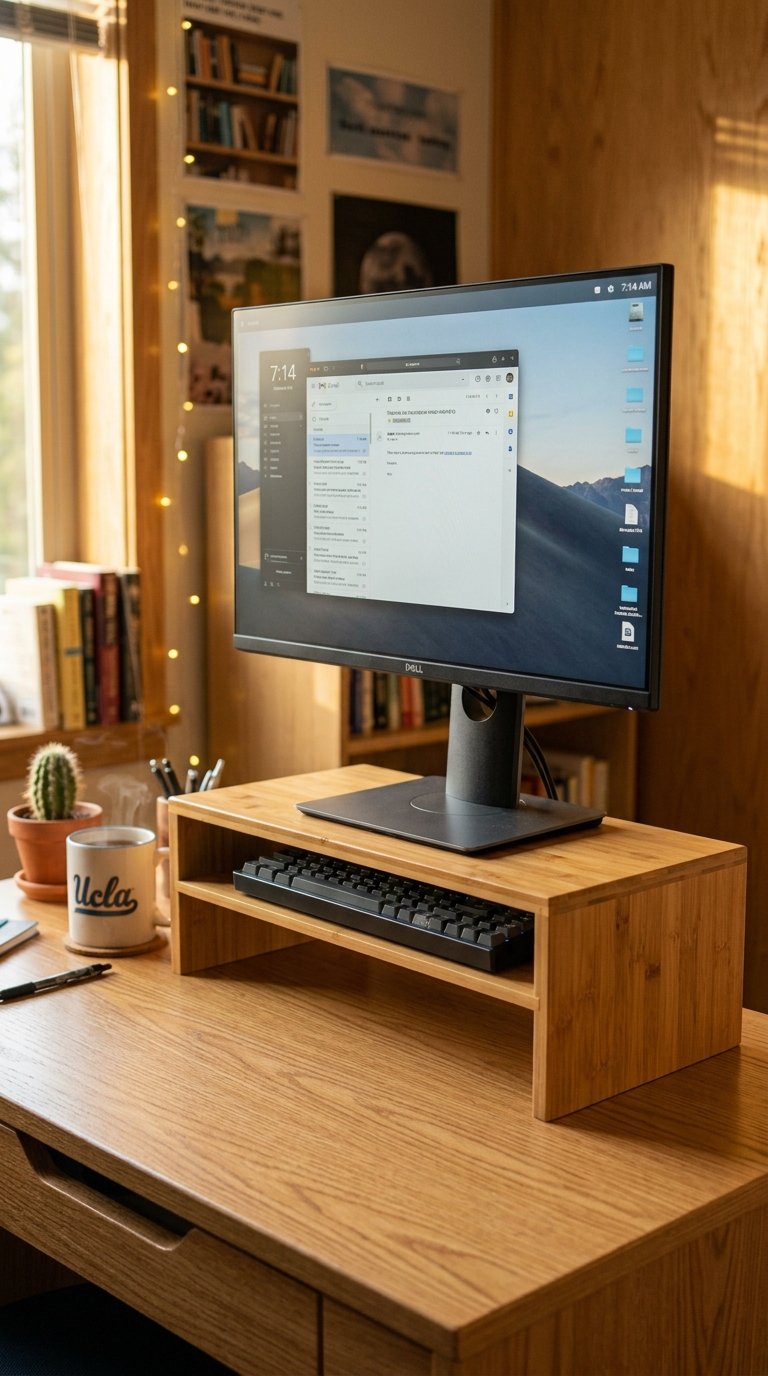
A monitor riser that lifts your screen to eye level while providing a storage shelf underneath solves two problems simultaneously: the ergonomic problem of a screen too low for comfortable viewing and the storage problem of desk surface space consumed by items that could live under an elevated surface. The riser holds the monitor at correct height and the shelf beneath it stores a keyboard, a notebook, or a small collection of desk supplies in a footprint that produces zero additional desk clutter.
Monitor risers with storage from Amazon run $15 to $35 in bamboo, wood, or metal construction. A bamboo riser at $20 to $30 adds natural material warmth to a dorm desk aesthetic while providing 4 to 6 inches of vertical clearance for keyboard storage underneath. The additional storage resolves the keyboard-goes-where-exactly problem that most laptop-to-monitor setup transitions produce on a standard-size dorm desk.
17. Use a Desk Humidifier for Better Study Focus

Dry dorm air, particularly in winter months when heating systems run at full capacity, reduces cognitive performance by causing mild dehydration of the nasal passages and throat that produces the low-grade discomfort most students attribute to tiredness rather than its actual cause. A small ultrasonic desk humidifier at $20 to $40 maintains 40 to 60 percent relative humidity in the immediate desk area, which the Environmental Protection Agency identifies as the optimal humidity range for human comfort and cognitive performance.
The LEVOIT Mini Humidifier at $25 to $35 runs up to 12 hours per tank and operates silently without producing the white noise that disrupts concentration in some study environments. Position it on the desk corner away from electronics since moisture and circuit boards share a well-documented incompatibility. A 500ml tank covers a standard dorm room for a full study session without refilling.
18. Keep the Desk Clear at the End of Every Study Session
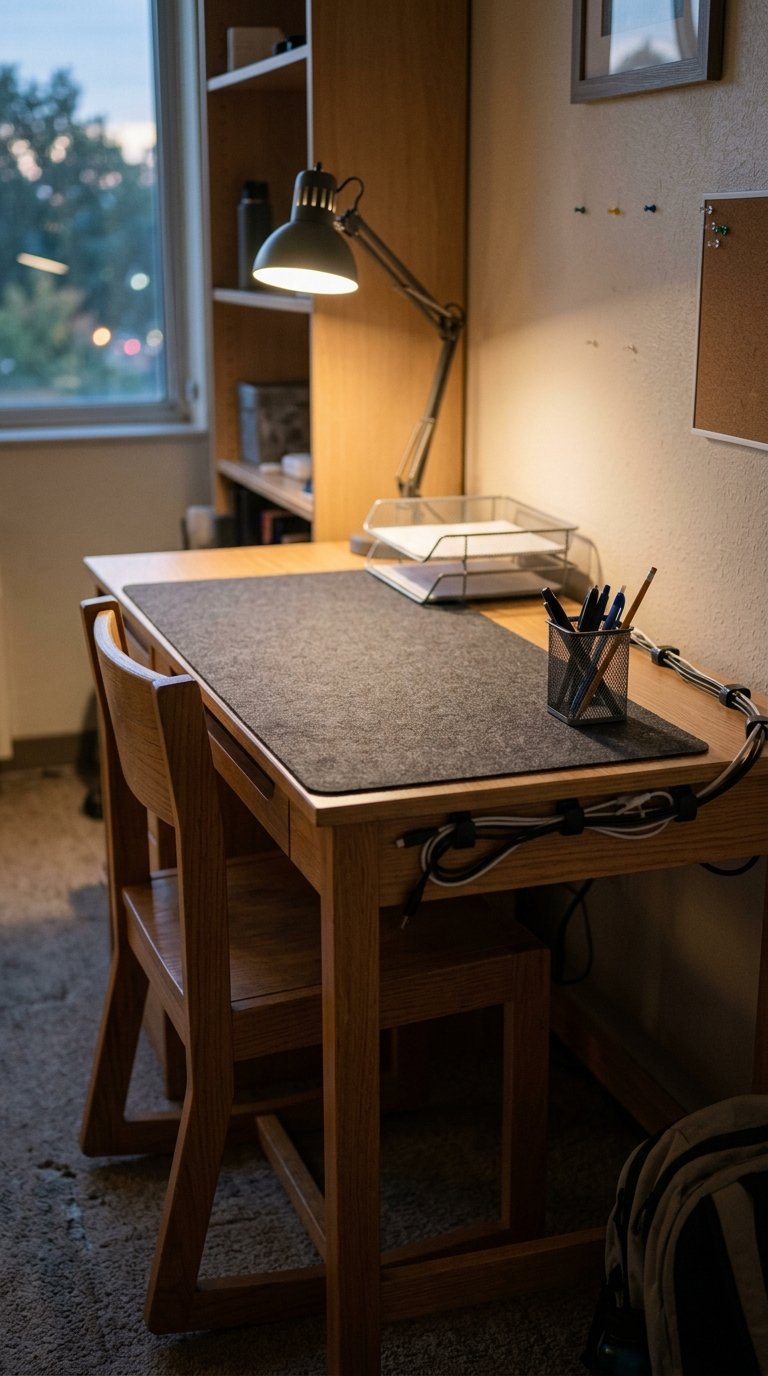
The habit of clearing your dorm desk at the end of every study session costs five minutes and produces an entirely different desk experience at the start of the next one. A clear desk tomorrow morning takes five minutes tonight. A cluttered desk tomorrow morning costs 10 to 15 minutes of mental friction that you experience as difficulty starting rather than a practical tidying problem. The Georgetown research on cognitive load consistently links cluttered starting environments to longer task initiation delays, which compounds across a full semester of daily study sessions into a significant lost study time total.
End-of-Session Desk Clear Checklist
- Remove all food and drink containers from the desk surface
- Return every item to its designated storage location
- Coil and clip all cables to the desk edge
- Stack any papers or notes in the paper tray
- Wipe the desk surface with a dry cloth
- Position the chair tucked under the desk
This five-step process takes four to five minutes and resets the desk to the clean, functional state that makes starting tomorrow’s study session feel like continuing rather than beginning. The dorm desk that waits for you to set up produces a different psychological response than the dorm desk that greets you as a problem to solve before you’ve opened a single book.
Final Thoughts
A dorm desk that works for you rather than against you comes down to solving specific problems: poor lighting, a cluttered surface, an uncomfortable chair, inadequate storage, and the absence of any personal identity that makes the space feel worth returning to. None of those problems require an expensive solution or a complete setup overhaul. Start with the three changes that cost the least and deliver the most: add a warm desk lamp, manage your cables, and use a desk pad to define your working surface. Execute those three before your next study session and you’ll sit down tomorrow at a demonstrably better workspace. Every other idea on this list builds from there, one problem solved at a time, until your dorm desk becomes the study setup you genuinely look forward to using.